7 min read
Outgrowing Your Shopify Theme: A Development Guide for Growing Brands

Most Shopify stores start on a theme that loosely fits the business needs and gets the store off the ground. Then the business grows. New product lines arrive, marketing wants a landing page every week, and eight apps later the store feels slower and harder to change than it did on launch day.
That isn't a failure. It's a sign the store needs development work that matches the business you are becoming, not the one you were. This guide covers how to spot the moment, what to build on, and how to scope the work so it lasts.
Signs your store has outgrown its theme
You rarely outgrow a theme all at once. It shows up as friction your team works around every day:
- Every new page needs a new app or developer. If a campaign page means a code change, your templates aren't flexible enough.
- Product pages can't tell the whole story. Size charts, care guides, and ingredient lists end up pasted into descriptions instead of living in structured fields.
- Apps leave code behind. Old snippets from apps you removed still load on every page.
- Speed is slipping. Each new script adds weight, and nobody knows why your site is slowing down.
- Post-purchase pages are out of date. Tracking and customizations on the Thank you and Order status pages still rely on older scripts.
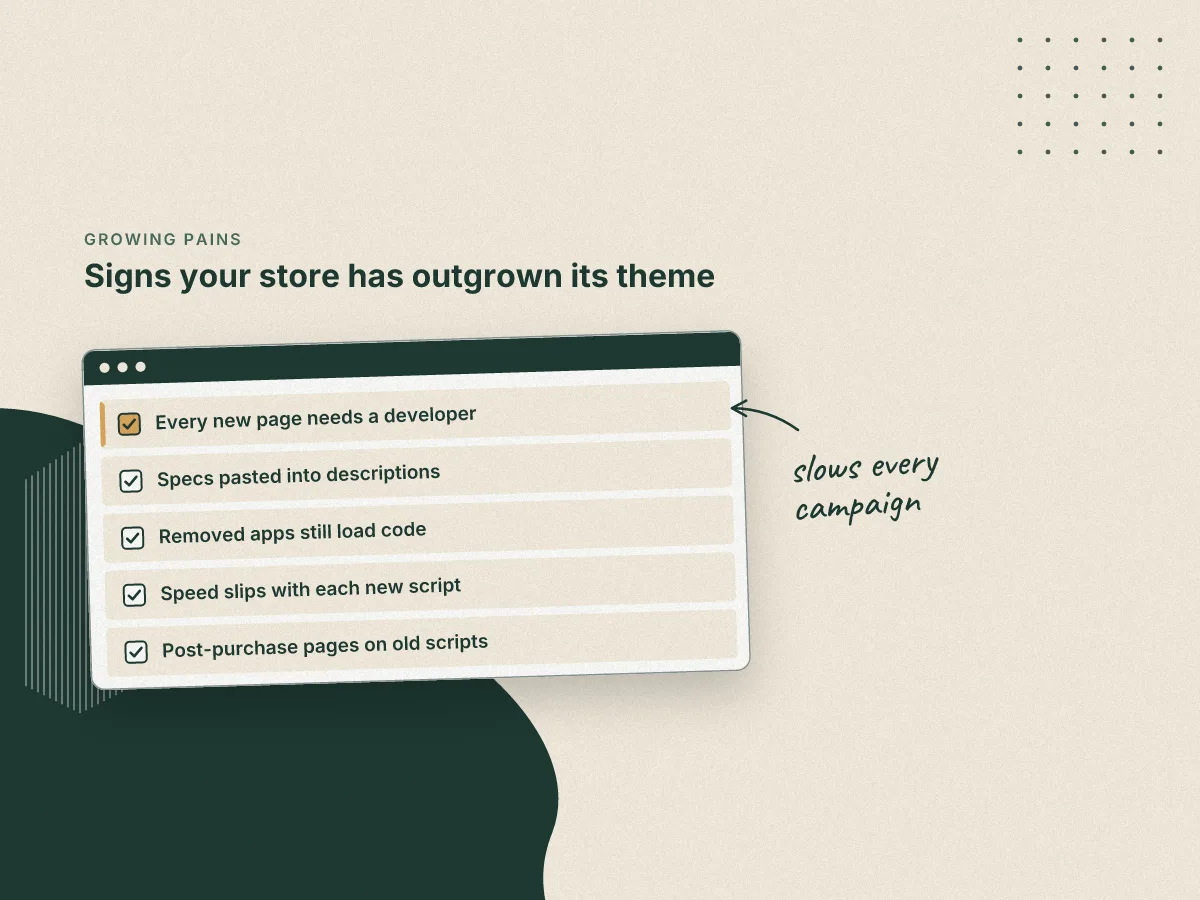
If two or more of these sound familiar, patching will keep costing you more than it saves.
Plan for the business you are becoming
Good Shopify development starts with your customers and your catalog, not with a theme demo. Before anyone writes code, write down three things:
- Who buys from you now?
- Who you want buying next year?
- Which pages do the most selling?
You don't need a redesign to grow. You need a few shared rules the theme follows everywhere: one type scale, a short list of colors, consistent spacing, and one version of each button and product card. Set them once in the theme settings, follow Shopify's best practices, and every new section inherits them. Your store keeps looking like one brand even when five people are building pages.
Build on the existing theme architecture not around it

Shopify's current theme architecture, Online Store 2.0, was built for exactly this kind of growth. Every page type can use a JSON template, so merchants can add, remove, and reorder sections on any page, not just the home page. A JSON template can hold up to 25 sections, and each section can hold up to 50 blocks.
Two parts of that architecture matter most for growing brands:
- Sections and blocks your team can use. A well-built section, such as a
custom-size-chartsection that reads from a product metafield, lets marketing build pages without touching code. Prefix your own files (we usecustom-) so they're easy to find and safe from theme updates. - App blocks instead of pasted code. Apps that use theme app extensions add their content as app blocks in the theme editor. When you remove the app, its block goes with it, instead of leaving stray code in your theme files.
If your theme still uses older Liquid templates for key pages, moving those pages to JSON templates is often the highest value development work you can do.
Set floors for speed and accessibility
Growth adds weight. The fix is to agree on numbers the store must never drop below and to check them before every release.
Speed is worth that effort. In a study Google paid for, Deloitte and 55 tracked mobile sites at the end of 2019 and found that a site 0.1 seconds faster saw retail conversion rates rise 8.4% and travel conversion rates rise 10.1%.
Shopify's own Theme Store gives a useful starting point. To be listed, a theme needs an average Lighthouse performance score of at least 60 and an average Lighthouse accessibility score of at least 90 across the home, product, and collection pages on both desktop and mobile. Treat those as floors, not goals. A custom store with your real catalog and apps should be measured the same way, on the same three pages.
Most Shopify home pages score below the speed floor. HTTP Archive tests them every month, and in September 2026 the median Lighthouse performance score was 48 on mobile and 55 on desktop. Accessibility did better, with a median of 91 on both.
Half of Shopify home pages score 48 or lower on mobile, 12 points under the floor.
Source: HTTP Archive Tech Report, September 2026; Shopify Theme Store requirements
Lighthouse is a lab test. Google's Core Web Vitals measure what real visitors experience, and there Shopify stores have improved a lot. In January 2020, 17% of Shopify stores passed on mobile. By January 2026, 78% did, and in September 2026 it was 76%. When most of your peers pass, a store that doesn't stands out for the wrong reason.
The share passing rose from 17% in 2020 to 78% in 2026.
Source: HTTP Archive Tech Report, Chrome UX Report data
Accessibility isn't only a score either. In WebAIM's 2026 scan of the top one million home pages, Shopify home pages averaged 75.1 detected errors, compared with 56.1 across all home pages.
Shopify home pages averaged about a third more detected errors than home pages overall.
Source: WebAIM The WebAIM Million 2026
Those are only the errors a tool can find. Automated checks catch a share of issues, so pair them with human tested keyboard and screen reader testing on the pages where people buy.
Clean up the checkout edges
Checkout is where growing brands most often carry old code without knowing it. Shopify set August 26, 2026 as the deadline for stores not on Shopify Plus to upgrade their "Thank you" and "Order status pages", and stores that hadn't upgraded by then were upgraded automatically.
If your store was auto-upgraded, anything that relied on the old Additional scripts box may have quietly stopped working. Check your conversion tracking, post-purchase surveys, and any custom messages on those pages, and rebuild them with apps, app blocks, or pixels that work with the new pages.
Patch or rebuild?
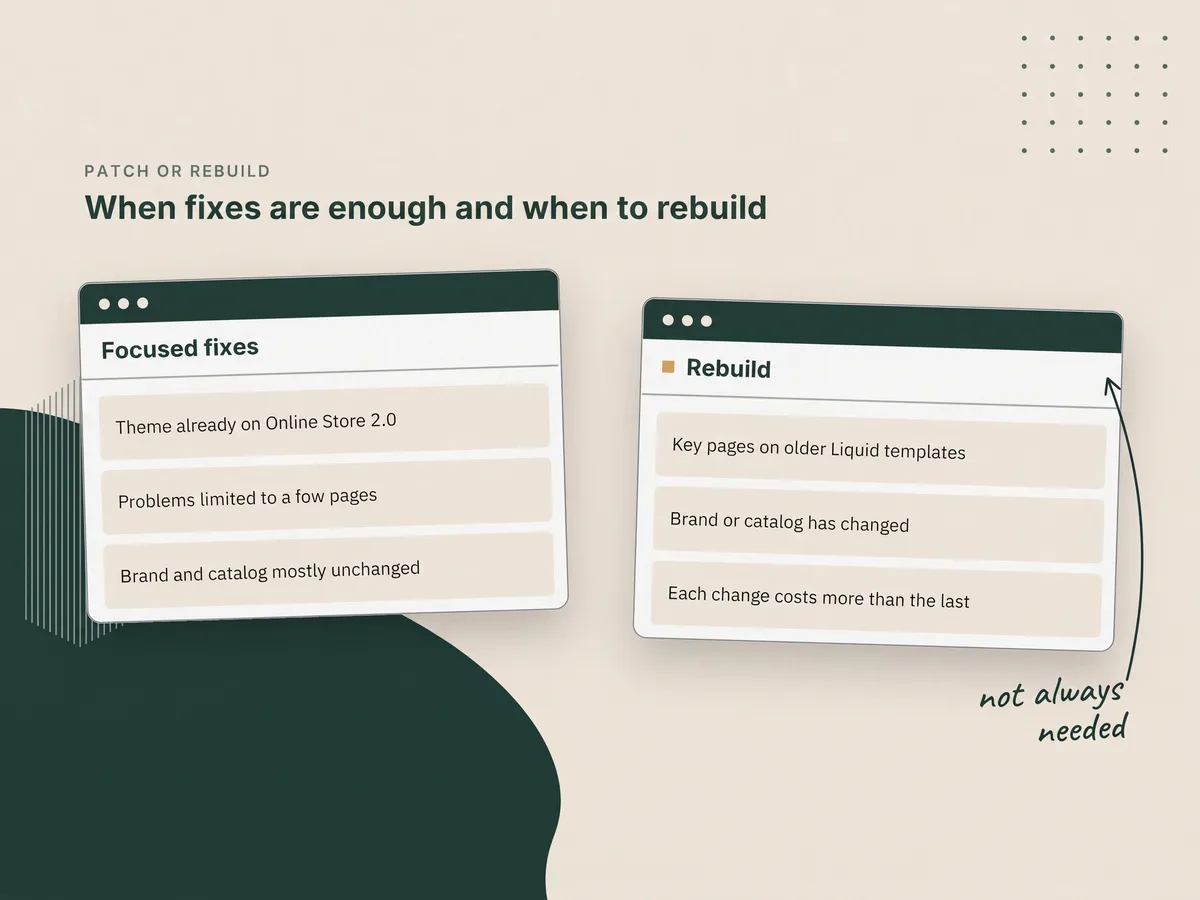
Not every store needs a full rebuild. A focused round of fixes is often enough when the theme is already on Online Store 2.0 and the problems are limited to a few pages. A rebuild makes sense when the theme is on older templates, the brand has changed, or the cost of each change keeps climbing.
How to scope the work
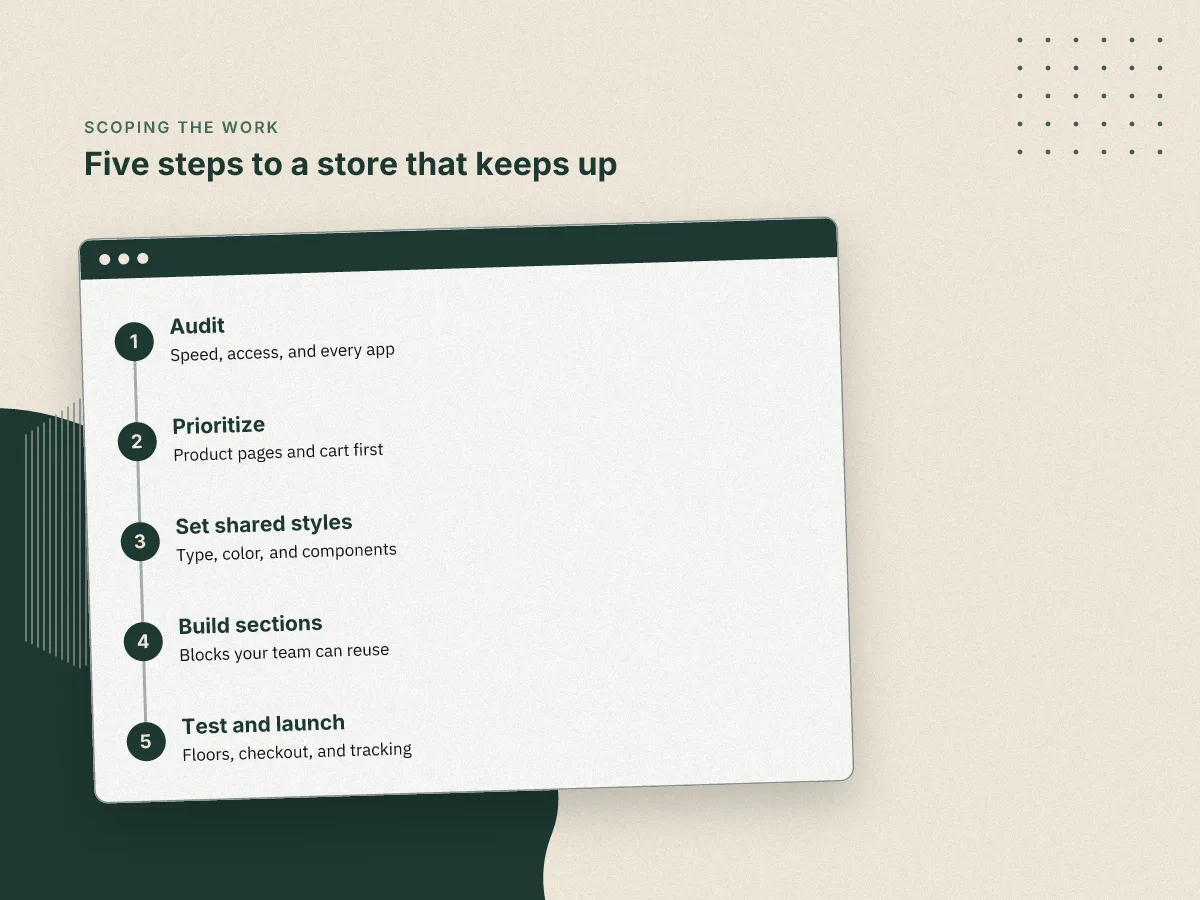
Whichever path you choose, the same order keeps the project honest:
- Audit. Measure speed and accessibility on your home, product, and collection pages, and list every app and script that loads.
- Prioritize. Rank fixes by revenue impact: product pages and cart first, nice to have pages last.
- Set shared styles. Agree on type, color, spacing, and core components in the theme settings before building pages.
- Build in sections. Create reusable sections and blocks your team can assemble without code.
- Test and launch. Check the floors again, test checkout and tracking end to end, and launch on a quiet day.
Where Cascadia Marquee fits
We're Shopify developers for brands at this stage: past the starter theme, not yet ready to stop growing. We keep design changes light and follow Shopify's best practices, so the work goes into a store that's faster and easier to change. If your store has started to feel heavier than your business, get in touch and we'll start with an audit.