Sample engagement
See exactly what you receive, before you pay for it
This is a complete engagement you can click through: the audit report, the manual WCAG checklist, the remediation tracker your team works from, and the monitoring alerts that catch new issues after launch. Every panel is the real product, loaded with data from a demo storefront.
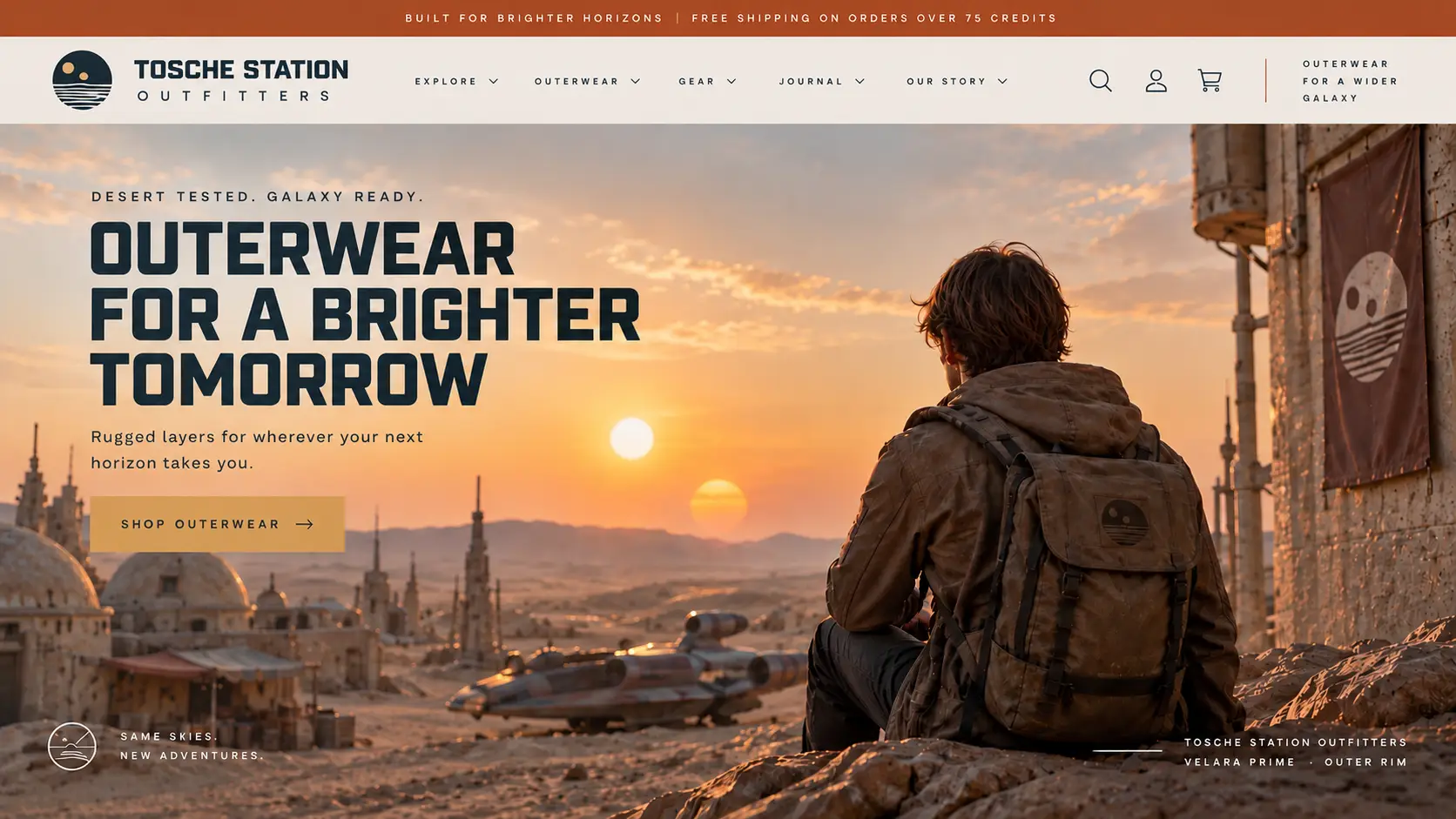
Tosche Station Outfitters is a fictional Shopify Plus storefront, so we can show a full engagement without publishing a real client's findings. The tooling, scoring, and report layout are exactly what you receive.
The storefront under audit
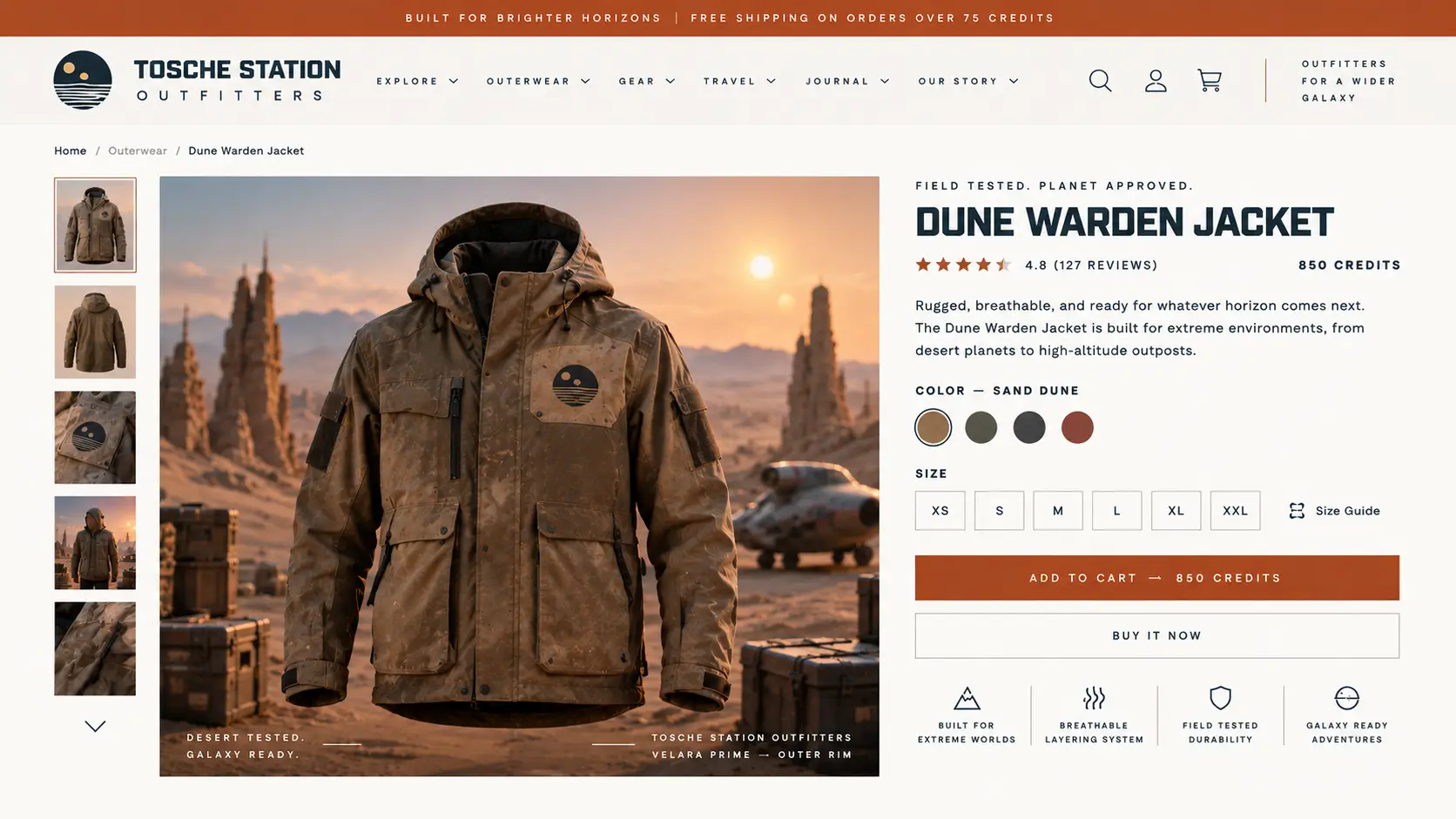
- Store
- Tosche Station Outfitters
- Domain
- toschestation.example (Example URL, does not go anywhere)
- Platform
- Shopify Plus
- Catalog
- Field jackets, thermal base layers, and desert-weather outerwear
- Size
- Mid seven figures annual revenue
Scope and methodology
- Pages
- All 96 discovered pages were scanned. Paid scans sample by template only past 1000 pages.
- Templates
- Every collection, product, page, and blog URL on the storefront, including home, cart, search, contact, one collection, and one product page.
- Scan rules
- WCAG 2.0 A/AA, 2.1 AA, and selected 2.2 AA rules. Not a full Level AA pass.
- Automated
- axe-core 4.11 (WCAG 2.0 A/AA, 2.1 AA, and selected 2.2 AA rules) plus IBM Equal Access checker
- Browser
- Headless Chromium via Playwright (1280 by 800 viewport). Automated scans do not run in Chrome, Safari, or Firefox.
- Not scanned
- Shopify Checkout. Keyboard traps, screen reader quality, and alt meaning need the manual pass.
- Manual
- Keyboard-only flow, NVDA and VoiceOver, contrast sampling, zoom and reflow. Chrome with NVDA on Windows; Safari with VoiceOver on macOS
Executive summary
Tosche Station Outfitters was audited against WCAG 2.2 Level AA over March 2 to March 6. Across 96 scanned pages covering 8 templates, the automated pass returned 41 failing elements across 7 distinct rules, and the manual pass failed 7 of 32 success criteria tested by hand.
The findings concentrate in four repeated patterns: missing image alternatives, form fields labelled only by placeholder text, muted text below the 4.5:1 contrast minimum, and icon-only buttons with no accessible name. Because these live in shared theme files rather than individual pages, fixing each pattern once clears most of its instances at the same time.
Estimated effort: 16 to 24 developer hours to reach Level AA on the audited templates, which fits inside a single sprint. Two findings are keyboard and focus behaviors an automated scanner cannot detect, so they would have shipped unnoticed on a scan-only service.
Tab moves through the four stages. Press Enter to open a stage. At the end of a stage, Tab continues to the next stage. On small screens, open the stage menu to pick a different deliverable.
The interactive report every tier starts with. Open a finding to see the failing element, its selector, and the fix.
toschestation.example (Example URL, does not go anywhere)
Accessibility health
Several accessibility barriers were detected. Prioritize critical and serious issues in the red segments.
Click or tap a segment on the ring, or pick a category below, to pin its details. The faint arc is room left to reach a perfect score of 100; the solid color shows your current category score.
No known third-party embeds (apps, widgets, iframes we recognize) were found in this scan's page results. The toggle unlocks when embeds like Yotpo or YouTube show up in axe findings.
No accessibility statement found
Publish a page (for example, /pages/accessibility) so customers know how to request support or report barriers.
- 6 critical issues (Critical impact on assistive technology users).
- 7 serious issues that block or frustrate common tasks.
- 41 automated findings across 6 scanned pages. Site score is the average of per-page scores.
- No dedicated accessibility statement page was found.
This score reflects automated findings only. It is not legal advice, a compliance certification, or a substitute for manual WCAG testing. Automated tools catch roughly 30 to 50 percent of WCAG 2.x AA issues. The rest requires human judgment.
Coverage by template
What's next
- Images must have alternate textCriticalSite-wideQuick win
8 elements affected. Featured collection on home pages, plus main collection product. Often fixable in Theme Editor or Products admin without editing Liquid.
How to fix
Customize > collection or home page > Featured collection or Collection product grid > product card image block > Alt text. Also set alt on product media in Products admin.
Where it lives: Featured collection on home pages, plus main collection product
Where to find it: Customize > Home page > click Featured collection on the preview (home pages).
Likely theme files (confirm in your theme)
Best guess from scanned sections; sorted templates then sections. Filenames may differ in your repo.
templates/collection.jsontemplates/index.jsonsections/featured-collection.liquidsections/hero.liquidsections/image-banner.liquidsections/main-collection-product.liquidblocks/product-card.liquid
- Form elements must have labelsCriticalSite-wideQuick win
5 elements affected. Cart items on cart pages. Often fixable in Theme Editor or Products admin without editing Liquid.
How to fix
Customize > Cart items > block settings for the flagged element.
Where it lives: Cart items on cart pages
Where to find it: Customize > Cart page > click Cart items on the preview (cart pages).
Likely theme files (confirm in your theme)
Best guess from scanned sections; sorted templates then sections. Filenames may differ in your repo.
templates/cart.jsonsections/main-cart-items.liquidsections/main-cart.liquid
- Elements must meet minimum color contrast ratio thresholdsSeriousSite-wideQuick win
10 elements affected. Featured collection on home pages, plus image banner. Often fixable in Theme Editor or Products admin without editing Liquid.
How to fix
Customize > click the section > block color settings, or Theme settings > Colors for the active scheme.
Where it lives: Featured collection on home pages, plus image banner
Where to find it: Customize > Home page > click Featured collection on the preview (home pages).
Likely theme files (confirm in your theme)
Best guess from scanned sections; sorted templates then sections. Filenames may differ in your repo.
templates/index.jsontemplates/product.jsonsections/featured-collection.liquidsections/hero.liquidsections/image-banner.liquidsections/main-product.liquidsections/product-information.liquidblocks/_product-media-gallery.liquidblocks/product-card.liquid
- Buttons must have discernible textSeriousSite-wideQuick win
3 elements affected. Header on home pages, plus image banner. Often fixable in Theme Editor or Products admin without editing Liquid.
How to fix
Customize > click the section > button block label, or add visible text / aria-label on icon-only buttons.
Where it lives: Header on home pages, plus image banner
Where to find it: Customize > Home page > click Header on the preview (home pages).
Likely theme files (confirm in your theme)
Best guess from scanned sections; sorted templates then sections. Filenames may differ in your repo.
templates/index.jsonsections/header.liquidsections/hero.liquidsections/image-banner.liquidblocks/_header-logo.liquid
- Required ARIA attributes must be providedSeriousSingle page
1 element affected. Theme section on scanned pages.
How to fix
Customize > select the section on the live preview, then update the block that matches the example selector below.
Where it lives: Theme section on scanned pages
Where to find it: Online Store > Themes > Customize, then open a scanned page and click the section that contains the flagged element.
Likely theme files (confirm in your theme)
Best guess from scanned sections; sorted templates then sections. Filenames may differ in your repo.
templates/product.jsonsections/main-product.liquid
- Links must have discernible textModerateSite-wide
3 elements affected. Featured collection on collection pages.
How to fix
Customize > Featured collection > block settings for the flagged element.
Where it lives: Featured collection on collection pages
Where to find it: Customize > Collection page > click Featured collection on the preview (collection pages).
Likely theme files (confirm in your theme)
Best guess from scanned sections; sorted templates then sections. Filenames may differ in your repo.
templates/collection.jsonsections/featured-collection.liquidblocks/product-card.liquid
- Heading levels should only increase by oneModerateSingle pageQuick win
1 element affected. Collection banner on collection pages. Often fixable in Theme Editor or Products admin without editing Liquid.
How to fix
Customize > Collection banner > block settings for the flagged element.
Where it lives: Collection banner on collection pages
Where to find it: Customize > Collection page > click Collection banner on the preview (collection pages).
Likely theme files (confirm in your theme)
Best guess from scanned sections; sorted templates then sections. Filenames may differ in your repo.
templates/collection.jsonsections/main-collection-banner.liquid
Open each severity tab for the full breakdown by template and page.
Scope and methodology
Standard
WCAG 2.2 Level AA
Automated
axe-core 4.11 (WCAG 2.0 A/AA, 2.1 AA, and selected 2.2 AA rules) plus IBM Equal Access checker
Browser
Headless Chromium via Playwright (1280 by 800 viewport). Automated scans do not run in Chrome, Safari, or Firefox.
Viewports
Desktop (1280×800) on every page; Tablet (768×1024) and Mobile (390×844) on homepage, product, collection, cart, and blog samples.
Manual
Keyboard-only flow, NVDA and VoiceOver, contrast sampling, zoom and reflow. Chrome with NVDA on Windows; Safari with VoiceOver on macOS
Discovery
Sitemap
Pages found
96
Pages scanned
96 of 96 discovered
Plan level page limit
1000
Templates detected
8
Discovered by template
account: 2, blog: 5, cart: 1, collection: 12, home: 1, page: 4, product: 70, search: 1
Sampled by template
account: 2, blog: 5, cart: 1, collection: 12, home: 1, page: 4, product: 70, search: 1
Share report
Paid clients receive a private share link for stakeholders and agency partners.
Save offline
Download a sample branded PDF for stakeholders or a styled Excel workbook for developers. These files use the same Tosche Station findings shown in this walkthrough.